

No products in the cart.





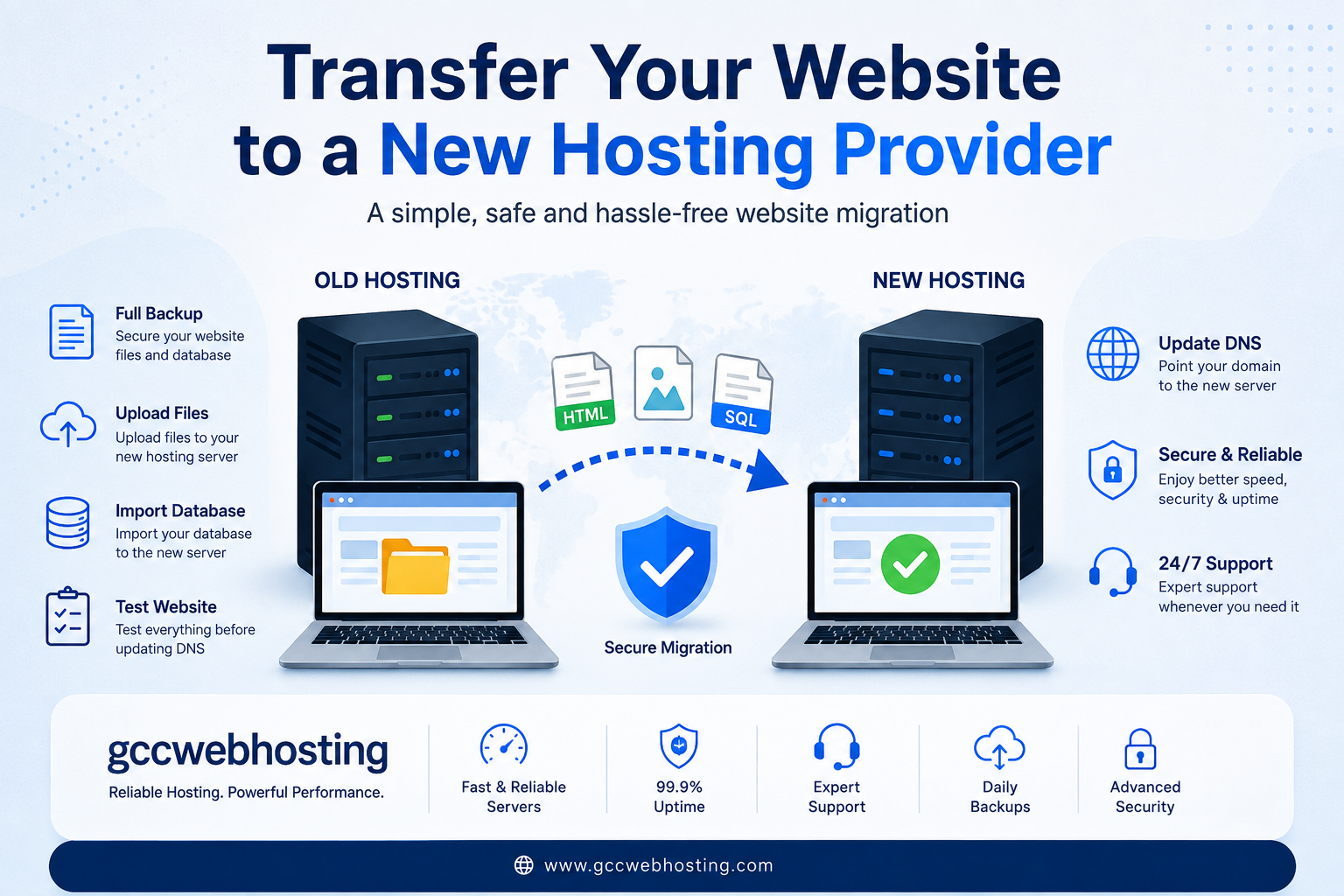
Transfer Website to a New Hosting Provider
Moving your website to a different hosting company may sound difficult, but with proper planning, the process can be smooth and safe. Whether you are changing hosts because of better performance, improved security, or lower costs, knowing how to Transfer Website to a New Hosting Provider can help you avoid downtime and data loss.
Many businesses upgrade their hosting as they grow. If your current hosting is slow or unreliable, it may be the right time to Transfer Website to a New Hosting Provider. At gccwebhosting, we help businesses migrate websites with minimal disruption while keeping data secure and websites online.
Why Transfer Website to a New Hosting Provider?
There are several reasons why website owners decide to Transfer Website to a New Hosting Provider. Some of the most common include:
- Faster website loading speed
- Better customer support
- Improved website security
- More storage and bandwidth
- Affordable hosting plans
- Reliable uptime guarantees
- Easier website management
A reliable hosting provider ensures your website remains accessible to visitors while providing the performance needed for business growth.
Prepare Before You Transfer Website to a New Hosting Provider
Preparation is the key to a successful migration. Before you begin to Transfer Website to a New Hosting Provider, complete the following steps.
Create a Full Backup
Always create a complete backup of:
- Website files
- Database
- Email accounts
- Configuration files
A backup ensures you can restore your website if anything unexpected happens.
Choose Your New Hosting Provider
Select a hosting company that offers:
- Fast SSD or NVMe storage
- Free SSL certificates
- Daily backups
- High uptime
- 24/7 technical support
- Easy migration assistance
Businesses looking for dependable hosting often choose gccwebhosting because of its reliable infrastructure and professional migration support.
Step-by-Step Guide to Transfer Website to a New Hosting Provider
Step 1: Set Up the New Hosting Account
Purchase your hosting plan and create your hosting account. Configure the domain but do not change the DNS yet.
Step 2: Upload Website Files
Use FTP or the hosting control panel to upload all website files to your new server.
Step 3: Import Your Database
Export your database from the old hosting account and import it into the new hosting server using phpMyAdmin or another database management tool.
Step 4: Update Configuration Files
Update your website configuration with the new database:
- Database name
- Username
- Password
- Database server
Step 5: Test Your Website
Before you officially Transfer Website to a New Hosting Provider, test everything using a temporary URL or hosts file.
Check:
- Homepage
- Contact forms
- Images
- Login pages
- Database functions
- Internal links
Step 6: Update DNS
Once testing is complete, change your domain’s DNS records to point to the new hosting server.
DNS propagation usually takes between a few minutes and 48 hours.
Common Mistakes During Website Migration
Avoid these common problems when you Transfer Website to a New Hosting Provider:
- Forgetting to back up the website
- Not testing before changing DNS
- Ignoring email migration
- Using outdated PHP versions
- Deleting the old hosting account too early
Keep your old hosting active for at least a few days until you confirm everything works correctly.
Benefits of Professional Website Migration
Professional migration services save time and reduce risks.
Benefits include:
- No data loss
- Minimal downtime
- Proper database migration
- Email account transfer
- DNS configuration assistance
- Technical support throughout the process
At gccwebhosting, experienced technicians handle every step to ensure your website moves safely and efficiently.
Tips for a Smooth Website Migration
To successfully Transfer Website to a New Hosting Provider, follow these best practices:
- Schedule migration during low-traffic hours.
- Reduce DNS TTL before migration.
- Keep multiple backups.
- Test every website feature.
- Monitor website performance after migration.
- Update SSL certificates if necessary.
- Verify email functionality.
These simple steps help ensure visitors experience little or no interruption.
Why Choose gccwebhosting?
When businesses need to Transfer Website to a New Hosting Provider, they require a hosting company they can trust.
GCC Web Hosting provides:
- Fast SSD and cloud-powered hosting
- Free migration assistance
- Business email hosting
- Daily automated backups
- Advanced security protection
- 99.9% uptime
- Local UAE technical support
Whether you operate a small business website or a large eCommerce platform, gccwebhosting offers hosting solutions designed for speed, security, and reliability.
Final Thoughts
Learning how to Transfer Website to a New Hosting Provider does not have to be complicated. With proper planning, regular backups, and careful testing, you can move your website safely without affecting visitors or search engine rankings.
If you want a hassle-free migration experience, gccwebhosting offers professional website migration services that help businesses move quickly and securely while minimizing downtime.
Frequently Asked Questions
1. How do I Transfer Website to a New Hosting Provider without downtime?
Create a full backup, upload your files to the new server, test the website completely, and update your DNS only after confirming everything works correctly.
2. How long does it take to Transfer Website to a New Hosting Provider?
Most website migrations take between one and six hours, while DNS propagation can take up to 48 hours depending on your domain registrar.
3. Will I lose my website data during migration?
No. If you create complete backups before you Transfer Website to a New Hosting Provider, your files and database remain safe.
4. Does changing hosting affect Google rankings?
A properly managed migration should not negatively affect SEO. Maintaining website availability and fast loading speeds helps preserve search rankings.
5. Can gccwebhosting migrate my website for me?
Yes. gccwebhosting provides professional website migration services, including file transfer, database migration, email migration, DNS updates, and post-migration testing.
6. What should I check after transferring my website?
Verify pages, images, forms, databases, SSL certificates, email accounts, and website speed. Also monitor your website for any broken links or errors.
7. Why should I choose gccwebhosting for website migration?
GCC Web Hosting offers secure website migration, fast hosting infrastructure, expert technical support, daily backups, and reliable uptime, making website transfers simple and stress-free.
Discover our portfolio and follow gccwebhosting on Instagram for more creative ideas.