

No products in the cart.





What is Web Hosting Control Panel – How Does It Work?
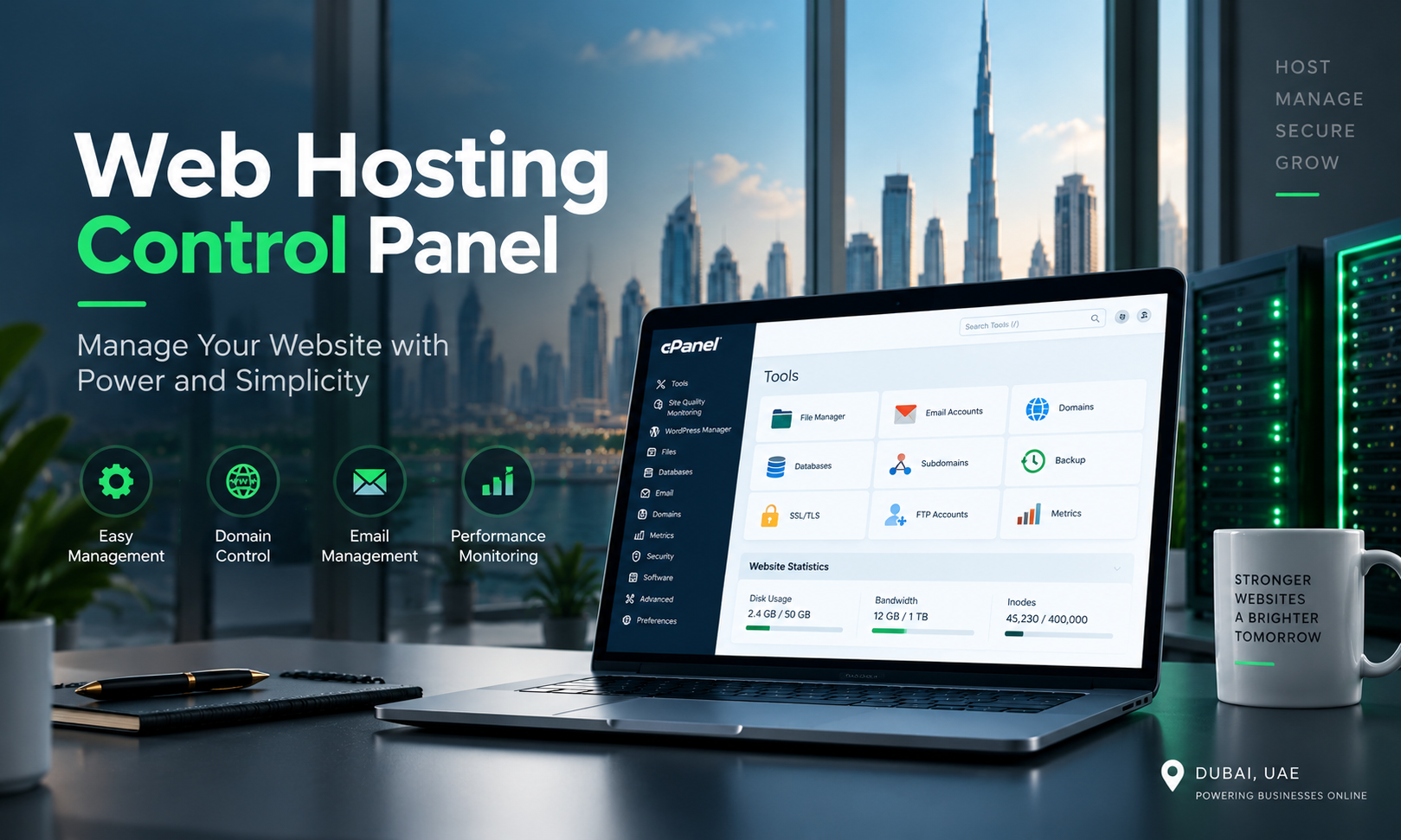
A web hosting control panel is a graphical dashboard that helps you manage your website, domain, email accounts, databases, files, backups, security, and other hosting services from one place.
Instead of using complex server commands, you can perform many common hosting tasks by clicking buttons and selecting options from a simple interface.
For example, if you want to create a business email address, install WordPress, add a new domain, create a database, or take a website backup, a hosting control panel can make these tasks much easier.
Without a control panel, many server tasks may need to be performed through a command-line interface. This can be difficult for website owners who do not have server administration experience.
With a hosting control panel, users can normally manage:
- Websites and domains
- Website files
- Email accounts
- MySQL or other databases
- SSL certificates
- DNS records
- FTP accounts
- Website backups
- Applications
- Security settings
- Server resources
- PHP versions
The exact features depend on the hosting provider, server type, and control panel being used.
At GCC Web Hosting, we believe choosing the right hosting platform is not only about server speed and storage. The control panel also plays an important role in how easily businesses can manage their websites and hosting accounts.
How Does a Web Hosting Control Panel Work?
A web hosting control panel connects its graphical interface with the services running on a web server.
When you perform an action inside the control panel, the software sends the required instructions to the server.
For example, imagine you want to create a new email account.
Instead of manually configuring the mail server, you may simply:
- Log in to the hosting control panel.
- Open the Email section.
- Select Create Email Account.
- Enter the email address and password.
- Set the required storage limit.
- Click Create.
The control panel then handles the required server-side configuration.
The same basic process applies to databases, domains, backups, FTP accounts, SSL certificates, and many other hosting functions.
In simple words:
User → Hosting Control Panel → Server Services → Website or Hosting Account
The control panel makes server management easier by turning technical commands into a visual interface.
Why Is a Hosting Control Panel Important?
A good hosting control panel saves time and makes everyday website management easier.
This is particularly useful for companies using Web Hosting UAE services because many businesses need to manage websites, corporate email accounts, domains, SSL certificates, databases, and backups without having a dedicated server administrator.
The main advantages include:
Easy Website Management
A control panel allows you to manage important website functions from one dashboard.
Less Technical Knowledge Required
You do not need to remember server commands for every basic hosting task.
Faster Website Setup
Domains, email accounts, databases, SSL certificates, and applications can often be configured quickly.
Better Account Management
Businesses managing multiple domains or websites can organize their hosting services more efficiently.
Easier Backup Management
Many control panels provide tools to create, schedule, download, and restore backups.
Centralized Security
Depending on the panel and hosting provider, you may be able to manage SSL, password protection, IP restrictions, firewall tools, and other security features.
Main Features of a Web Hosting Control Panel
Although every control panel is different, most popular hosting panels provide several common features.
1. Domain Management
You can add domains, subdomains, aliases, redirects, and other domain-related settings.
2. File Management
A built-in file manager allows you to upload, download, edit, move, copy, and delete website files.
3. Email Management
You can create professional email accounts such as:
You may also be able to manage forwarding, autoresponders, spam filters, and email storage.
4. Database Management
Most dynamic websites require databases. Hosting panels make it easier to create databases, database users, and permissions.
5. DNS Management
DNS tools allow you to manage records such as:
- A
- AAAA
- CNAME
- MX
- TXT
These records control how your domain connects with websites, email servers, verification services, and other platforms.
6. SSL Certificate Management
SSL certificates enable HTTPS and help protect information exchanged between the website and its visitors.
Many modern hosting panels support automated SSL installation and renewal.
7. Backup and Restore
Depending on your hosting package, the panel may provide manual or automatic backup options for website files, databases, and email data.
8. Application Installation
Some hosting panels include application installers that make it easier to install WordPress and other popular software.
9. Resource Monitoring
You may be able to monitor disk usage, bandwidth, CPU, memory, traffic, and other server resources.
19 Popular Web Hosting Control Panels [List]
There are many hosting control panels available for Linux, Windows, shared hosting, VPS hosting, dedicated servers, and cloud environments.
Here are 19 popular web hosting control panels worth knowing:
- cPanel – One of the most widely recognized Linux web hosting control panels, with tools for domains, email, databases, files, security, and applications.
- WHM (WebHost Manager) – Commonly used alongside cPanel for server-level and reseller account management.
- Plesk – A popular control panel supporting both Linux and Windows hosting environments.
- DirectAdmin – A lightweight hosting control panel known for a relatively simple interface and server management features.
- Webmin – A web-based system administration interface for Unix and Linux servers.
- Virtualmin – A hosting and virtual server management solution built around Webmin.
- CyberPanel – A hosting control panel commonly associated with OpenLiteSpeed and LiteSpeed-based hosting environments.
- CloudPanel – A lightweight server control panel designed for managing web applications on cloud and VPS servers.
- ISPConfig – An open-source hosting control panel capable of managing websites, email, DNS, databases, and servers.
- Froxlor – An open-source server management panel designed for hosting environments.
- Hestia Control Panel – An open-source web hosting control panel with website, mail, DNS, database, and server management features.
- Vesta Control Panel – A lightweight hosting management platform known for its straightforward interface.
- aaPanel – A web-based server management panel offering tools for websites, databases, FTP, SSL, and server applications.
- InterWorx – A Linux server and hosting control panel with server administration and website account management features.
- Control Web Panel (CWP) – A server management panel designed primarily for Linux hosting environments.
- ISPmanager – A commercial hosting control panel for managing websites, domains, databases, email, and server resources.
- Ajenti – A lightweight web-based server administration panel.
- RunCloud – A server management platform designed to simplify the deployment and management of websites and web applications on cloud servers.
- ServerPilot – A server management platform focused on hosting and managing PHP applications on cloud servers.
Popular Web Hosting Control Panels Comparison
|
Control Panel |
Typical Environment | Open Source |
Best Suited For |
| cPanel | Linux | No | Shared hosting and business websites |
| Plesk | Linux/Windows | No | Businesses, agencies, and developers |
| DirectAdmin | Linux | No | Hosting providers and VPS users |
| Webmin | Linux/Unix | Yes | Server administrators |
| Virtualmin | Linux | Yes/Commercial | Virtual hosting management |
| CyberPanel | Linux | Yes/Commercial options | LiteSpeed-based websites |
| CloudPanel | Linux/Cloud | Yes | Cloud and VPS web applications |
| ISPConfig | Linux | Yes | Multi-server hosting |
| HestiaCP | Linux | Yes | VPS and website hosting |
| aaPanel | Linux | Yes/Core offering | Simple server management |
There is no single control panel that is best for every website. Your choice should depend on your operating system, server resources, applications, technical experience, licensing budget, and required features.
cPanel vs Plesk vs DirectAdmin
cPanel, Plesk, and DirectAdmin are three well-known commercial hosting control panels.
cPanel is commonly found in Linux shared hosting and reseller hosting environments. Its large ecosystem and familiar interface make it suitable for many website owners and hosting providers.
Plesk supports Linux and Windows environments and provides tools for websites, domains, applications, email, security, and server management.
DirectAdmin provides many core hosting-management functions while maintaining a relatively lightweight interface.
The right choice depends on your hosting infrastructure rather than the popularity of the panel alone.
Do You Need a Hosting Control Panel?
Not every server technically requires a hosting control panel.
Experienced system administrators can manage servers directly through SSH and command-line tools. However, this approach requires stronger Linux, networking, web server, database, and security knowledge.
For most business websites, a control panel makes everyday hosting administration more convenient.
If your business is searching for UAE Hosting, you should therefore compare more than price, disk space, and bandwidth. Ask which control panel is provided and what level of technical support is included.
How to Choose the Right Hosting Control Panel
Before choosing a control panel, consider the following factors:
Ease of use: The interface should be understandable for the people who will manage the website.
Operating system: Some panels support only Linux, while others also support Windows.
Website technology: Check compatibility with PHP versions, databases, web servers, and applications your website requires.
Security: Look for SSL management, account security, updates, access controls, and other security features.
Backup options: Understand whether backups are included by the hosting provider or must be configured separately.
Performance: The control panel itself uses server resources, so this can matter on smaller VPS environments.
Licensing cost: Some panels are free or open source, while others require monthly or annual licenses.
Support: A good panel is more useful when it is combined with reliable hosting support.
Control Panel for Shared Hosting, VPS and Dedicated Servers
The role of the control panel can change depending on your hosting service.
With shared hosting, the hosting provider normally manages the main server while customers use the panel for their individual websites, domains, databases, and email accounts.
With VPS hosting, users may receive more control over server configuration. Depending on whether the VPS is managed or unmanaged, server administration may still be the customer’s responsibility.
With a dedicated server, the control panel can help manage multiple websites and hosting accounts, but server security, updates, monitoring, and maintenance remain important.
This distinction matters when comparing Dubai Web Hosting Services. A control panel makes server management easier, but it does not automatically turn an unmanaged server into a fully managed hosting service.
Web Hosting Control Panels for UAE Businesses
Businesses looking for Web Hosting Dubai in Dubai often focus first on website speed and price. However, day-to-day management is equally important.
A company website may require email accounts, database changes, SSL renewal, DNS updates, backups, PHP configuration, and security monitoring.
An easy-to-use control panel can simplify these tasks.
When choosing a Dubai Web Hosting Company, businesses should consider:
- Server performance
- Hosting location and network quality
- Control panel
- Security
- Backup policy
- SSL support
- Technical support
- Scalability
- Uptime
- Website migration assistance
A good Web Hosting UAE solution should combine reliable infrastructure with simple management and responsive technical support.
GCC Web Hosting – Web Hosting Solutions in UAE
GCC Web Hosting provides hosting solutions for businesses that need reliable website infrastructure, professional support, and scalable hosting options.
Whether you are running a corporate website, ecommerce store, web application, or multiple business websites, selecting the right hosting environment and control panel can make website management much easier.
When comparing UAE Hosting providers or choosing a Dubai Web Hosting Company, do not select a package only because it offers more storage. Consider performance, backups, security, support, server management, and the control panel you will use every day.
Final Words
A web hosting control panel is a graphical interface used to manage websites, domains, files, databases, email accounts, SSL certificates, backups, DNS, and other hosting functions.
It communicates with the hosting server and converts many technical administration tasks into easier visual actions.
Popular options include cPanel, Plesk, DirectAdmin, Webmin, CyberPanel, CloudPanel, ISPConfig, HestiaCP, aaPanel, and others.
The best control panel depends on your server, operating system, website technology, budget, and technical requirements.
For businesses comparing Dubai Web Hosting Services, the control panel should be considered together with server performance, security, backup systems, technical support, and scalability.
Frequently Asked Questions
What is a web hosting control panel?
A web hosting control panel is a graphical dashboard used to manage websites, domains, email accounts, databases, files, SSL certificates, backups, DNS settings, and other hosting services.
How does a web hosting control panel work?
A control panel connects its graphical interface with services running on the web server. When a user performs an action in the dashboard, the panel sends the required instructions to the server.
Which web hosting control panel is most popular?
cPanel, Plesk, and DirectAdmin are among the best-known commercial hosting control panels. Open-source and cloud-focused alternatives such as Webmin, ISPConfig, CyberPanel, HestiaCP, and CloudPanel are also widely used.
Is cPanel the same as web hosting?
No. cPanel is hosting management software, while web hosting is the server infrastructure and service that stores and delivers your website online.
Can I host a website without a control panel?
Yes. A server can be managed using command-line tools without a hosting control panel. However, this normally requires more technical knowledge and server administration experience.
What should I check when choosing Web Hosting UAE?
Check server performance, uptime, security, backups, control panel, SSL support, technical support, scalability, server management, and the hosting environment suitable for your website.
Which control panel is suitable for VPS hosting?
cPanel/WHM, Plesk, DirectAdmin, CyberPanel, CloudPanel, ISPConfig, and HestiaCP can be suitable for different VPS environments. The best option depends on the operating system, server resources, applications, budget, and required level of management.
Why is a hosting control panel important for UAE businesses?
A control panel helps businesses manage websites, corporate emails, domains, databases, SSL certificates, backups, and other hosting functions without performing every task through server commands.